Marketplace
The Marketplace allows you to browse and use pre-built workflow templates. Templates are displayed as cards. Each card shows the template name, description, category tags, rating, and download count.
Available actions include:
- Use Template: Copies the template into your workflows.
- Preview: Opens the template details.
- Pin: Saves the template for later use.
Template Details: Selecting a template opens a detail view where you can see the full description, required credentials, node breakdown, and a preview of the workflow structure.
Click Use This Template to add the template to your workflows.
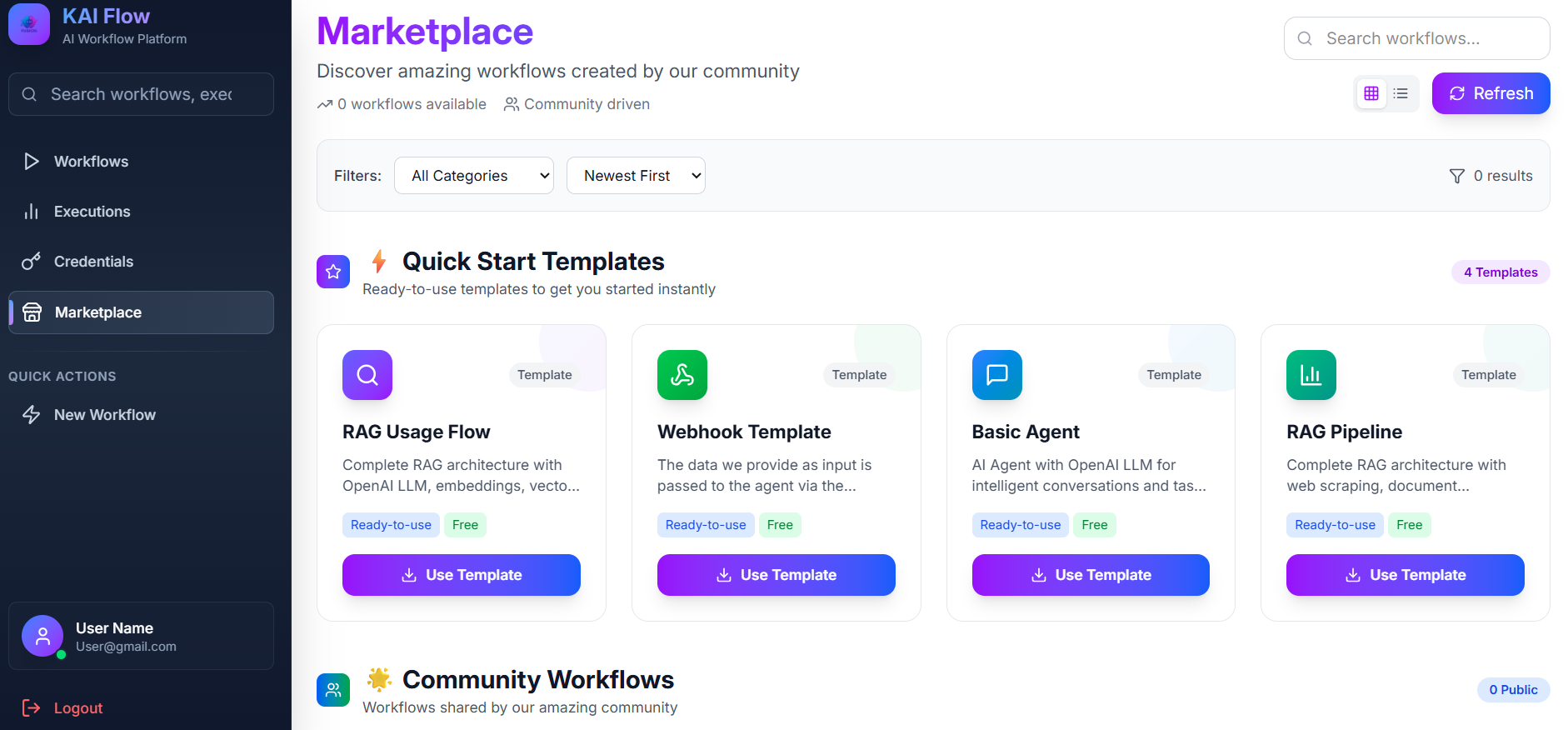
View Toggle: Switch between Grid view (card layout) and List view (row layout).
Filter: Use the filter sidebar to refine templates by category, sort order, or search keywords. Sorting options include Popular, Recent, and Rating.